WordPress recently updated it’s app for Apple iOS. The release is a major update as it provides Quick Photo option, Localization feature and the Stats feature.

You can now view visitor stats directly from your Apple iPhone, iPod Touch and iPad
For WordPress.com blog, the stats feature is available natively. However, this feature needs to be configured manually for self-hosted WordPress.org blogs.
Here are the steps to configure Stats option for self-hosted WordPress.org blogs
1. Install Jetpack plugin
You need Jetpack or the stand-alone Stats plugin to see stats for your self-hosted WordPress blog. WordPress recommends to use Jetpack as it’ll be updated with app-specific functions in the future.

Jetpack also provides several other features like Twitter badge, Spell checker for post editor, etc.
2. Link Jetpack with WordPress.com
The next step is to link the installed Jetpack plugin with your WordPress.com account. You may need to create an account if you already don’t have one.
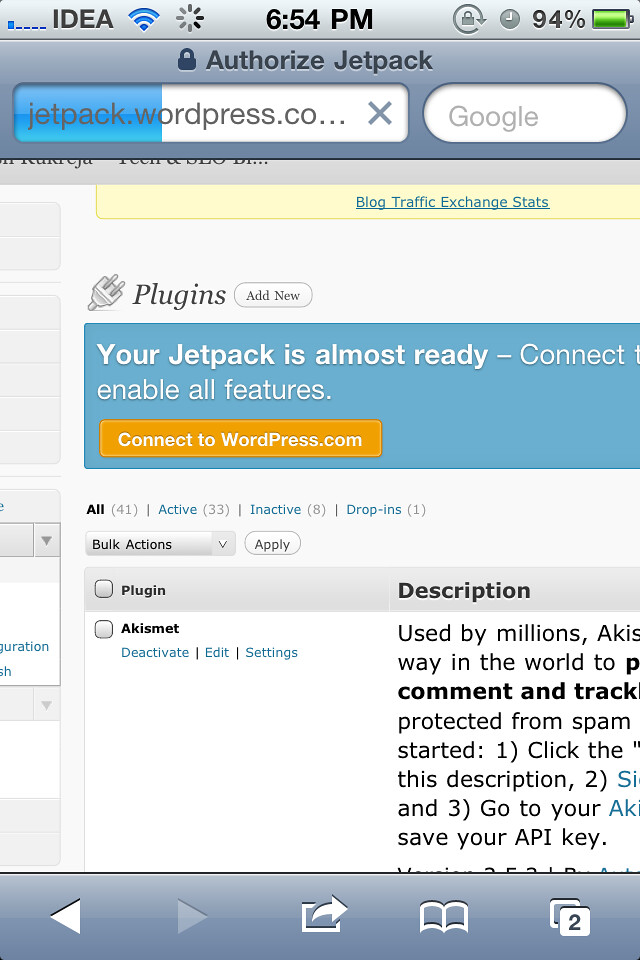

3. Configure iOS app
Once you’ve authorized Jetpack with WordPress.com account, open WordPress for iOS and login with WordPress.com account in the Stats tab.
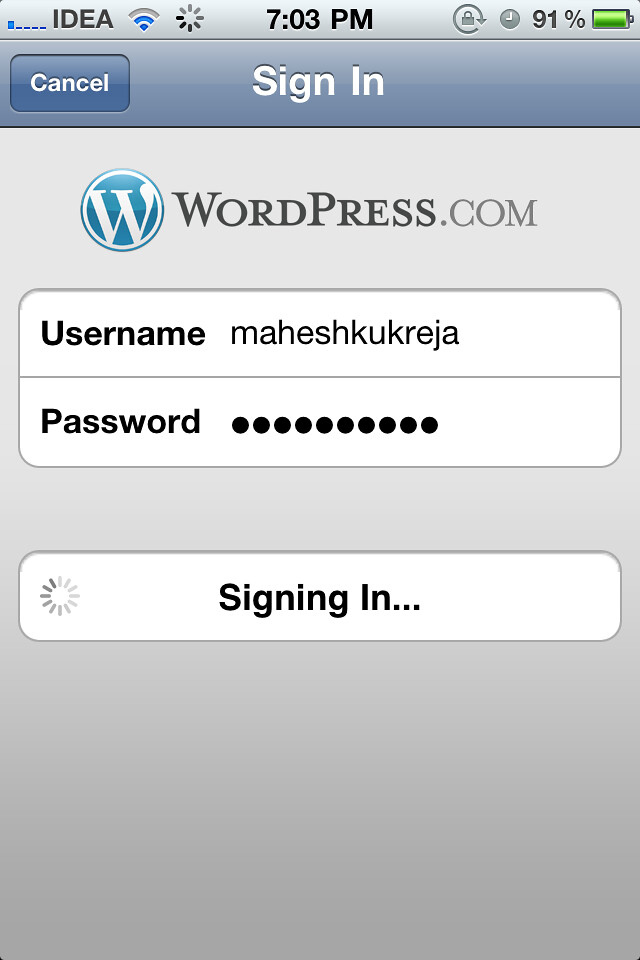
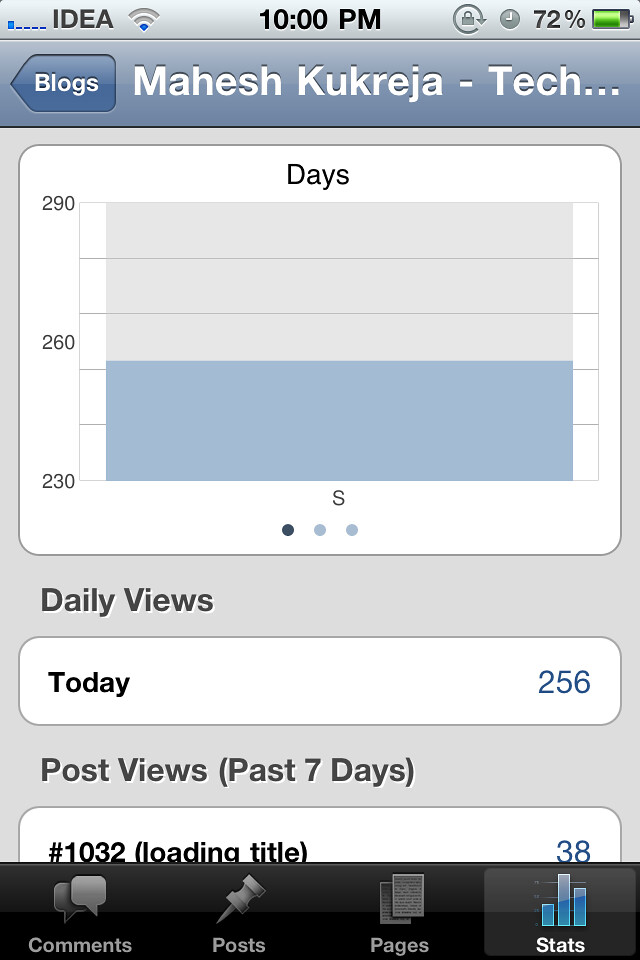
Note: It may take upto 20 mins for Jetpack to start displaying the stats. You will see Posts viewed, Referring sites, Search Terms & Outgoing clicks.
You will get the visitor stats directly on your iPhone, iPod Touch or iPad with WordPress for iOS.
If you face any difficulties while configuring, feel free to ask me.
{ 4 comments… read them below or add one }
Thanks for the information on this nice plugin. It is very handy for a blogger who wants to constantly monitor the traffic a blog gets on a real time basis.
Thanks for the article; maybe you can help with another problem I have. I have three Wordpress.com blogs all accessed under the same login. One of these (the second one I created) is my main blog, the one I want the stats for. However the wordpress for ios app displays stats only for the first blog I made (the one for which I created my Wordpress account). Any way of changing which blog the stats get reported for? Thanks.
Hi
My app worked fine with .com but whilst will show posts on .org won’t show stats. It displays no chart data found.
I have jet pack linked to my .com account.
Any ideas?
Thanks
Martin
Have you configured jetpack on .org?